Roadmap

A running view of what Cooperly has already shipped and what we are building next.

Nov 2026Shipped

Autumn update Your team can run without you.

Cooperly is built for agents, not as another agent. It collects the knowledge nobody owns or keeps track of, together with what people say about their own work, and turns it into a detailed picture of the team, so people work and communicate better. You and your people reach that picture through the agents you already use: Claude, ChatGPT, Codex and Slackbot.
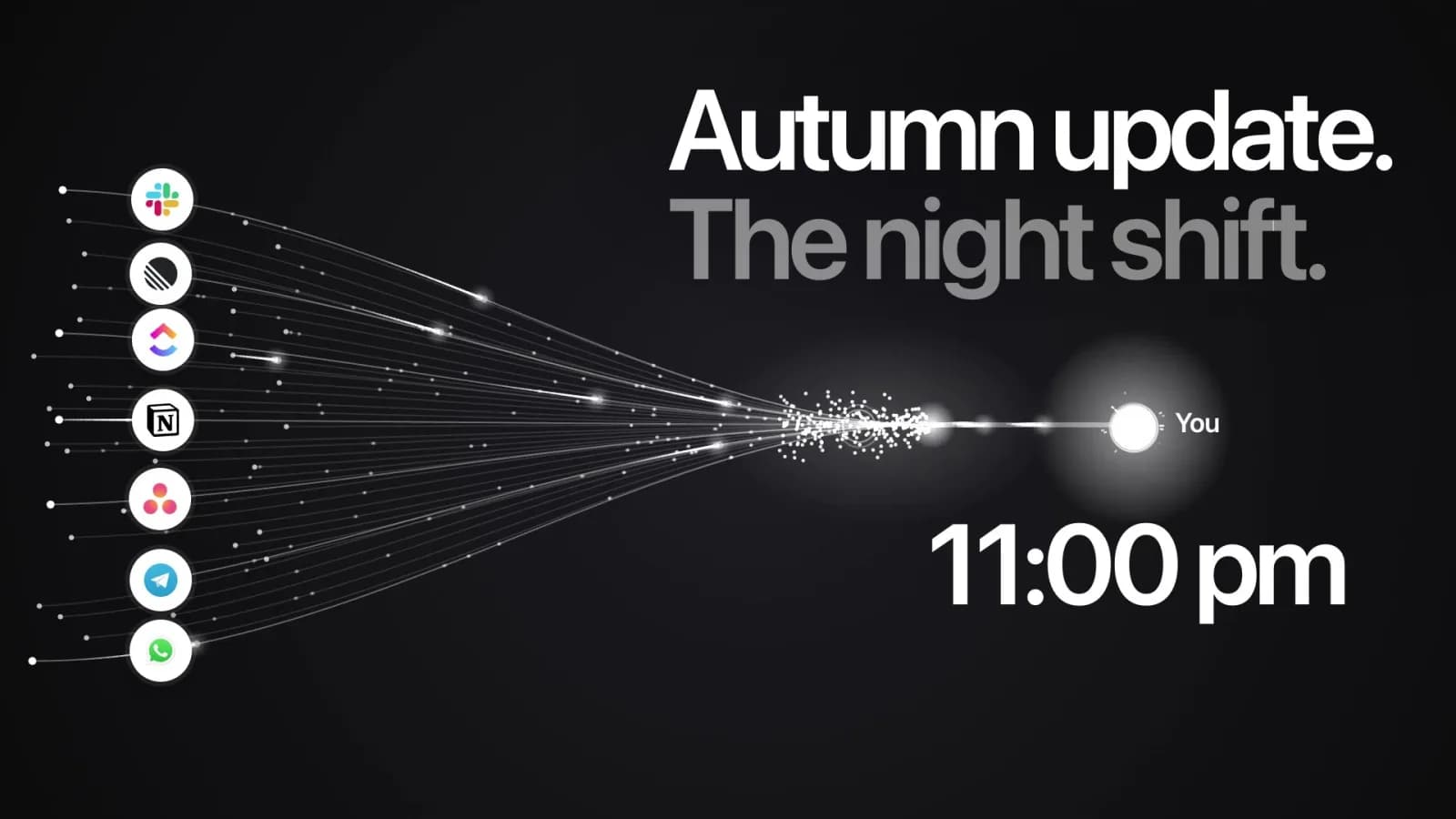
Autumn update film cover: seven work tools flowing into “You” at 11:00 pm.
  • The sources are decisions, promises and blockers in Slack, ClickUp, Asana, Linear and Notion, and people's own answers in Coop Profile, Pulse and Fundamentals.
  • The picture shows what nobody owns: decisions without an owner, promises nobody followed up, overdue and stuck tasks, and knowledge only one person holds. Each item links to the message or task it came from.
  • Cooperly uses a suggested fact only after a person confirms it. Confirmed facts appear as margin notes on a person's profile, and the Team Overview rebuilds with that evidence and suggests a step and an owner. The step goes to Linear in one click; Cooperly checks it every day, and Monday's summary counts it once it is closed.
  • The first connection is free and needs no sign-up. In Slack, Cooperly reads only the public channels you select. From work chats it keeps facts, not messages, and stores them encrypted. Pulse stays anonymous.
  1. Part 1: Your AI meets your team

    Claude, ChatGPT and Codex read the team picture through the Cooperly MCP server. Anyone on the team can ask who owns an area, what was decided or how a colleague prefers to work, and get an answer with its source instead of asking you. In Claude and Codex people can also act: decide on suggested facts, add facts from a document or a conversation, and update recommendations and their linked tracker tasks. Every change shows a preview first and passes the same permission checks as the web app; settings, access management and actions that cannot be undone stay in the web app.
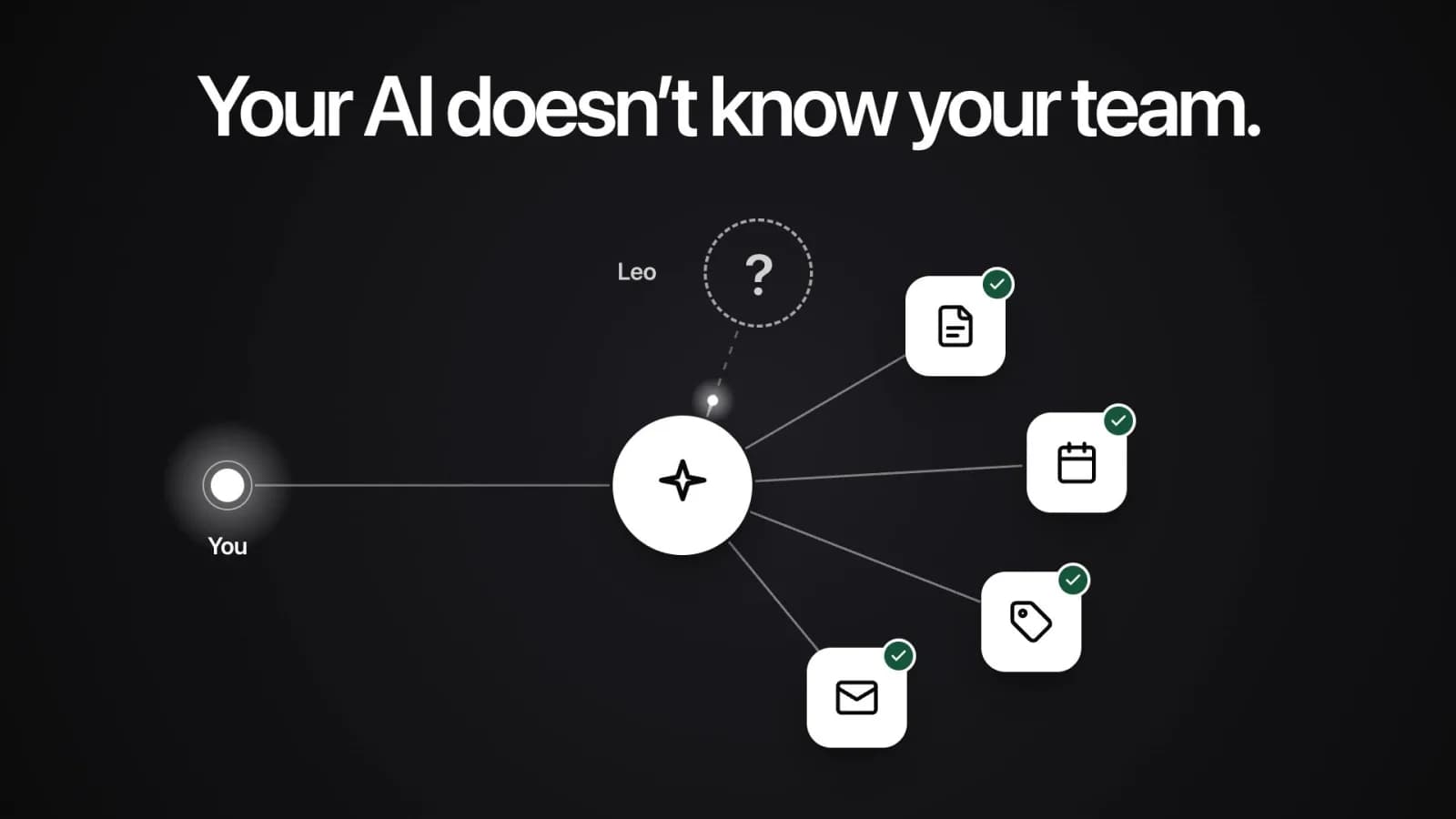
    Film cover: “Your AI doesn't know your team.” An AI connected to your documents and calendar has a question mark where Leo should be.
  2. Part 2: Cooperly reads what your team writes

    Once a day Cooperly reads tasks in your tracker, and with task texts switched on, their titles, descriptions and people's comments. It doesn't open files and doesn't keep the text. In the Slack channels an admin picks, it reads the day's messages overnight. It suggests facts with their source, and the team lead decides. In Slack, fact reminders have confirm and reject buttons, App Home lists what is waiting for your decision, and Slackbot answers questions about the team.
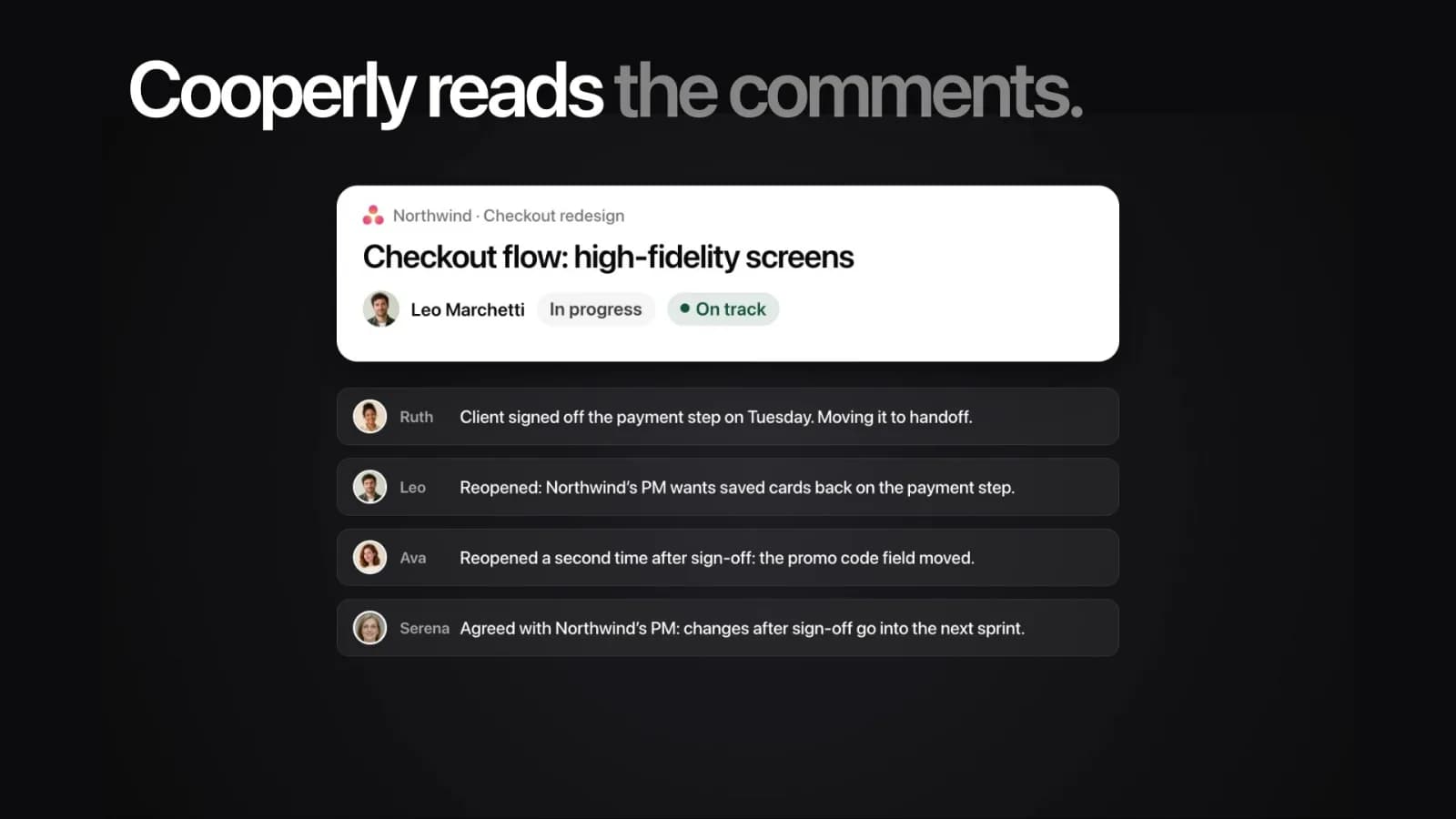
    Film cover: “Cooperly reads the comments.” A task marked On track above four comments saying it was reopened twice.
  3. Part 3: Your team adds context itself

    Anyone on the team can propose a fact about the team or add one about their own work, in their own words, from Cooperly or from their own Claude. Leaders upload one-on-one notes or documents, and Cooperly suggests the facts it found. The team lead still confirms every fact, the day someone knows it rather than at the next one-on-one.
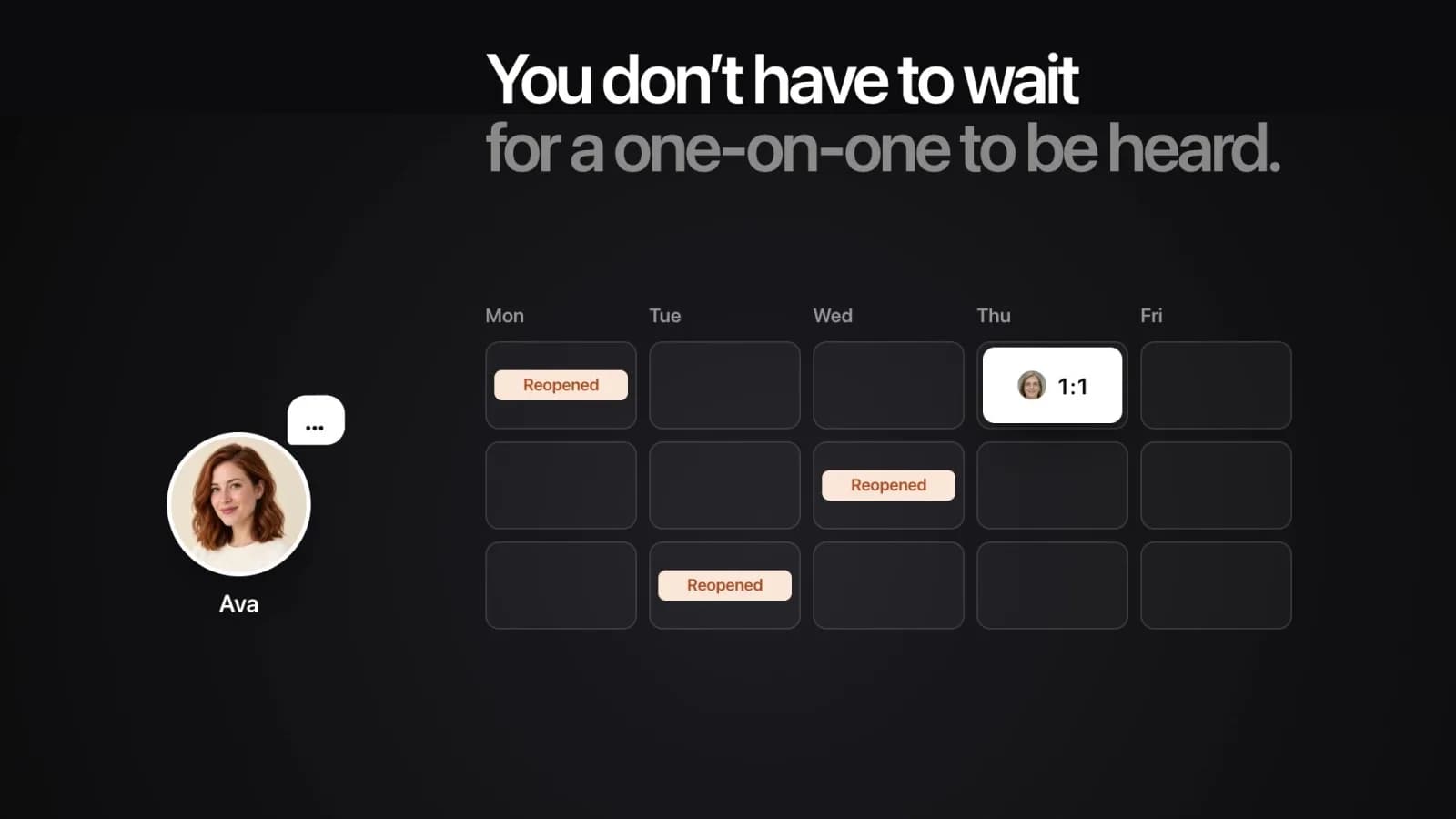
    Film cover: “You don't have to wait for a one-on-one to be heard.” Ava's week shows the work reopened three times before her one-on-one on Thursday.
Oct 2026Shipped

Pulse, Fundamentals and Random Coffee on a dark stage

We redesigned the top of Pulse and Fundamentals for leaders and Random Coffee for everyone. Each section now opens on a dark stage with the main finding, the reason behind it and one chart or card.

  • Pulse shows each week as one bar of OK and not-OK answers. The full-screen chart shows the change across cycles, and comments open in their own window.
  • Fundamentals name the weakest area by its average score and put two cycles side by side. Area scores stay visible until a second cycle shows a change.
  • Random Coffee shows who you meet this week, why you were paired, and where to start.
  • The anonymity rule did not change: a cycle with too few answers still shows no numbers.

71% average score for the period

In the Apr 3 cycle, 3 of 4 answered OK and 1 answered Not OK.

Minimum
50%
Maximum
100%
Completion
97%
31 of 32
Latest cycle
100%
4 of 4

Last Pulse Apr 3Next Pulse Apr 10, 9:00 AMWeekly

Answers by week
  • OK
  • Not OK
  1. Feb 13: 4 of 4 answered — 2 OK, 2 Not OK.
  2. Feb 20: 4 of 4 answered — 3 OK, 1 Not OK.
  3. Feb 27: 3 of 4 answered — 2 OK, 1 Not OK.
  4. Mar 6: 4 of 4 answered — 4 OK, 0 Not OK.
  5. Mar 13: 4 of 4 answered — 3 OK, 1 Not OK.
  6. Mar 20: 4 of 4 answered — 2 OK, 2 Not OK.
  7. Mar 27: 4 of 4 answered — 3 OK, 1 Not OK.
  8. Apr 3: 4 of 4 answered — 3 OK, 1 Not OK.
The number above a bar is the OK share among people who answered.
#OK DetailsCycle
#1Sprint priorities stayed stable and reviews came back quickly.13.03.2026
#2Infra work landed quietly without blocking delivery.13.03.2026
#3Design handoff was cleaner than usual.20.03.2026
#4Planning was lighter and the batch of work felt realistic.27.03.2026
#5The week had fewer interrupts than usual.27.03.2026
#6Runbooks made the production change easy to support.03.04.2026
Oct 2026Shipped

Workspace experience

We reorganized integration setup around the task people came to do and cut repeated loading across the workspace.

  • Roadmap delivery, notifications and assistant access each have their own setup and management path.
  • Unfinished setup and onboarding keep their progress. Lists, filters and dialogs keep the current team and load only when needed.
  • Next: shared ClickUp chats join Slack in the same daily fact review. Cooperly keeps the confirmed facts and their sources, not the messages.
Sep 2026Shipped

Integration expansion and team workflows

We expanded connected team workflows so leaders can review working context from Slack, people can complete their surveys in Telegram, and changes to team composition carry through the workspace.

  • Selected public Slack channels now provide daily suggestions for decisions, blockers, commitments, and explicitly stated work preferences. Leaders can confirm, correct, or reject facts in Slack or Cooperly, with source and reviewer attribution.
  • The refreshed Telegram Mini App brings assigned Coop Profile, Fundamentals, and Pulse tasks into one place, with progress and completion states. Pulse results follow the correct survey period as membership changes.
  • Team transfers preserve completed survey history and leadership in other teams, and create a people-change history. Administrators can manage survey participation separately from access to results.
  • The in-product Help Center provides task-specific instructions, recurring leadership scenarios, and selected captioned walkthroughs in English and Russian, filtered by role and available features.
Aug 2026Shipped

Organization, teams, and AI context

We expanded how Cooperly represents an organization, its teams, and the people in them, giving leaders more useful context in the workspace and in connected AI tools.

  • Organization administration and team roles are explicit. A person can work in one team and independently lead other teams, with access and notifications following those relationships.
  • Administrators can assign existing people and review the consequences of team and role changes before confirming them.
  • Facts and Memories now cover the team as well as its people. Leaders can date and pin working agreements, decisions, and context for the Team Coop Profile.
  • Expanded MCP support brings approved, read-only context to Codex and developer clients, Claude Code, and Claude within the user's existing team permissions. ClickUp Brain and Super Agents and Asana AI Teammates can read the same context in beta.
Jul 2026Shipped

New onboarding experience

We shipped a calmer onboarding experience that helps owners set up the right context, choose the first useful move, and reach a realistic team workspace faster.

  • The new flow guides leaders through organization or team context, goals, and the first action without dropping them into an empty product surface.
  • It makes the first setup path clearer for real teammates, candidate workflows, and demo workspaces, so Cooperly starts with useful context instead of guesswork.
Jun 2026Shipped
Release 1

Organization Summary and Roadmap

We shipped Organization Summary and Roadmap so owners can see the combined picture across teams, compare it with company goals, and turn team-level signals into an account-level roadmap.

  • The organization overview rolls completed team overviews into one owner-only view with risk, issues, opportunities, strengths, roadmap, and source status.
  • The roadmap can sync company-level action items into the configured delivery tools while Cooperly stays the source of truth.
Jun 2026Shipped
Release 2

Random Coffee

We shipped Random Coffee to turn Cooperly's people context into low-pressure weekly conversations, pairing colleagues with a practical reason to meet and a small guide for where to start.

  • Cooperly plans a four-week cadence of lightweight 1:1 coffee cards, balancing lead-member check-ins with same-team and cross-team peer pairings while avoiding recent repeats.
  • Each card gives both people the reason for the match, a simple conversation guide, and three work and three lifestyle prompts without exposing profile mechanics or assessment language.
  • Personal notifications and reminders can reach people through Slack, Telegram, or e-mail, with team announcements in connected delivery tools when enabled.
May 2026Shipped
Release 1

Memories and Facts for team members

Store durable context and notable facts for each team member so prompts, coaching, and follow-up become more specific over time.

May 2026Shipped
Release 2

MCP, AI clients, and collaboration integrations

We shipped the Cooperly MCP server, approved context access for Claude, ChatGPT, Linear Agent, and Notion Custom Agents, plus managed roadmap connections for Linear, Notion, ClickUp, and Asana.

  • Approved AI clients can request selected, permissioned, read-only Cooperly context for planning, writing, and preparation.
  • Linear and Notion can also receive managed roadmap work. ClickUp and Asana receive managed roadmap work and team updates; their agent connections arrived in beta in August 2026.
  • Cooperly remains the source of truth, and each destination keeps its own permissions and action boundaries.
Apr 2026Shipped
Release 1

Overview

We shipped Overview so leaders can scan the state of a team in one place before moving deeper into people, patterns, and follow-up actions.

  • Overview pulls the main signals together into a calmer first screen.
  • The new surface reduces the need to jump between views just to understand the current team picture.
Overview-style team summary screen in Cooperly
Apr 2026Shipped
Release 2

Slack + Microsoft Teams integrations

We shipped Slack and Microsoft Teams integrations so reminders, summaries, and follow-up can land in the communication tools leaders already use instead of another tab.

  • Leaders can now bring Cooperly into the weekly communication flow without asking the team to live in another interface.
  • This makes follow-up easier to notice and easier to act on inside the tools where work is already happening.
  • Microsoft Teams has since been removed from Cooperly. Slack remains available.
Mar 2026Shipped

Candidates Model

We introduced the candidates model to make Cooperly sharper about who may need attention, what context matters, and where follow-up should happen first.

  • The model creates a cleaner layer for ranking and reasoning about people-related signals.
  • It gives leaders more useful context before a situation turns into a missed conversation or a retention risk.
Candidates model screen in Cooperly
Feb 2026Shipped

Onboarding + Mock Data

We launched a guided onboarding flow with mock data so new teams could start inside a realistic workspace instead of a blank product.

  • New workspaces now have a clearer first-run experience for pilots and guided rollouts.
  • Mock data helps leaders understand the rhythm of the product before live team signals begin to appear.
  • This made the early Cooperly experience easier to explain, demo, and adopt.
Onboarding and mock data preview in Cooperly